
Digicam Flash Overexposure
The AI applies the blown-out, high-contrast flash quality of a 2003 party shot — harsh whites, deep shadows, the exact color push early digicams produced.
Upload any photo and get the real 2000s digicam look — overexposed flash, grain, chrome color grading, and retro stickers. One click. No skills. No app download.
10,000+ photos transformed this week
Drop a photo to Y2K-ify
JPG · PNG · WEBP · up to 20MB · processed in your browser
 Before
After · Y2K
Before
After · Y2K
Tap a Y2K sticker to add · drag to place · hover to remove
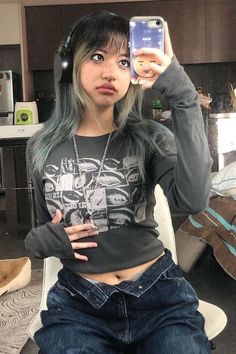
Original selfie before Y2K filter, and the same selfie with Y2K digicam aesthetic — flash, grain, chrome tones Original vs. Y2K digicam aesthetic — flash, grain, chrome tones
This Y2K photo editor was designed from the ground up to replicate the exact look of early-2000s consumer digital cameras — not just as a color filter, but as a full image rebuild. Where other photo editors apply a generic tint, this editor analyzes your photo's lighting, faces, and background before applying the Y2K treatment.
The editor runs entirely in your browser. Your photos never leave your device — the editor processes everything locally using WebGL, so there are no upload limits, no queues, and no privacy concerns. Whether you use the editor on desktop or mobile, the result is the same full-resolution output.
Unlike other photo editors that require an account or subscription, this editor is free for all core features. Open the editor, upload any photo, pick a Y2K style, and download in seconds.
The photo editor offers four distinct Y2K directions — Cyber Flash, McBling, Digicam Raw, and Chrome Dreams. Each style in the editor is tuned to a different era and sub-culture of the Y2K moment. The editor applies flash overexposure differently for a party shot than it does for a street portrait.
Beyond color grading, the editor includes a full Y2K sticker layer. Place and drag retro overlays directly in the editor without switching to another app. The editor also supports adding authentic digicam timestamps, the kind you'd find on photos from 2002.
The photo editor exports at full resolution with no watermark. Post directly to Instagram, TikTok, or Pinterest — or keep the edited photo in your camera roll for any use.
 Cyber Flash
 McBling
 Digicam Raw
 Y2K Glam
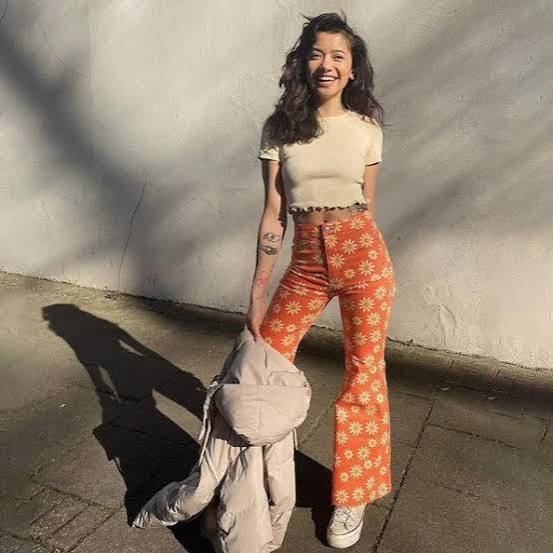 Party Dump
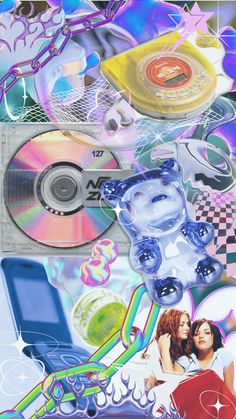 Retro Chrome
Most photo editors layer a tint on top of your image. This Y2K photo editor rebuilds it with the visual character early-2000s digicams actually produced.
The AI applies the blown-out, high-contrast flash quality of a 2003 party shot — harsh whites, deep shadows, the exact color push early digicams produced.
Authentic digital noise from low-resolution sensors, not film grain. Every pixel feels like it came off a 4MP Sony Cybershot.
Bold saturation shifts, lifted shadows, and cool chrome highlights that match the era — not a generic preset.
Butterflies, stars, sparkles, retro timestamps, neon text — drop them on in one click.
Pick a layout already designed for the Y2K aesthetic. Stickers and lettering are pre-placed. Skip setup, go straight to posting.
Download at full resolution. No watermark, no forced signup. Post straight to Instagram, TikTok, or Stories.
The AI reads your photo and matches the Y2K treatment to your content — not a flat tint dropped on top.
BeforeAfter · Cyber FlashBeforeAfter · Party DumpBeforeAfter · McBlingOverexposed flash, high contrast, harsh shadows. The look of every early-2000s house party.
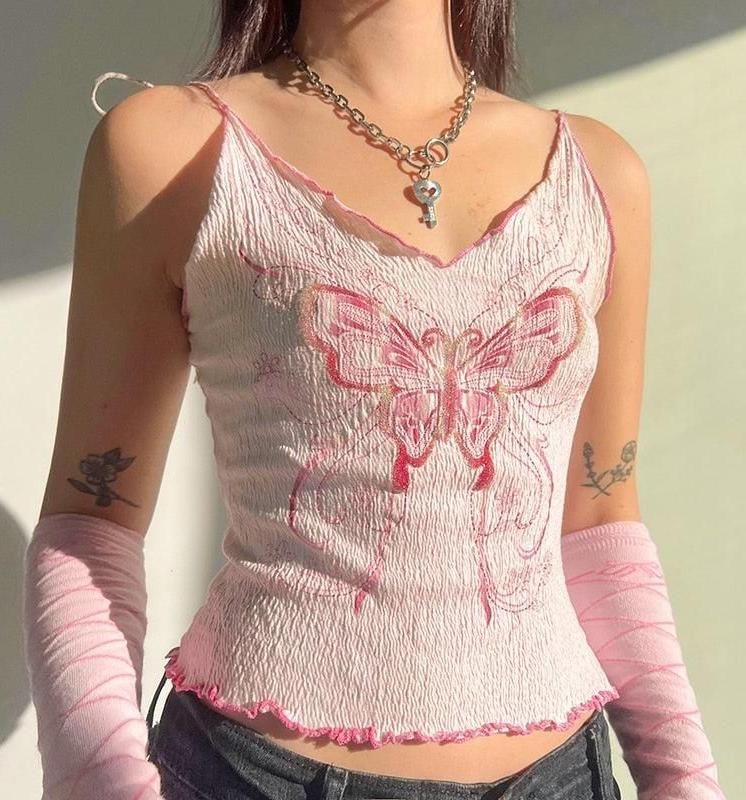
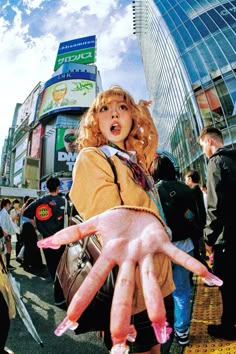
Glossy skin, shiny highlights, pastel pink tones, and maximum rhinestone energy.
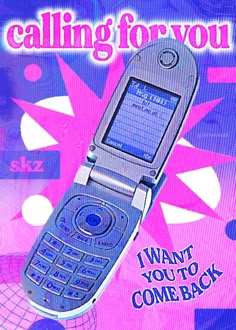
Oversaturated daylight, lifted blacks, and the color push of outdoor shots in 2002.
Cool silver tones, metallic highlights, and the futurism of early-2000s tech culture.
Our Y2K photo editor runs entirely in your browser — no app, no account, no waiting.
Any photo works — selfie, group shot, outfit, landscape. JPG, PNG, or WEBP, up to 20MB.
Choose from Cyber Flash, McBling, Digicam Raw, or Chrome Dreams. The Y2K photo editor rebuilds your image in that visual language.
Export at full resolution with no watermark. Ready for Instagram Stories, TikTok, or your photo dump.
Photos edited this week
Average user rating
Free, no watermark
”I've tried five Y2K photo editors. This is the first one that actually looks like a digicam shot, not just a tinted selfie.”
Content Creator · TikTok 120K
”I ran a group photo through this editor and everyone was asking what camera I used. Posted it, got 3x my usual engagement.”
Photographer
”Selling vintage clothes on Depop and using this Y2K photo editor on product shots completely changed my listing performance. The retro color grading is perfect.”
Vintage Reseller
”Finally a free Y2K photo editor that doesn't plaster a watermark on the result. The McBling style is exactly the early-2000s glam I wanted.”
Fashion Blogger
This free Y2K photo editor handles any shot — portraits, group photos, outfits, products. Upload and transform in seconds.
The AI matches the flash quality and color push to your skin tone — warm, cool, or deep. The result still looks like you, just 2003.
Multi-person shots get the chaotic energy of overexposed flash that makes people stop and ask what app you used.
A flat, well-lit product shot doesn't tell the same story as one that looks like it came from a 2002 photoshoot. Use Y2K grading to match the era of the piece.
Y2K content performs because it feels authentic, not stylized. Export in the vertical format your platform already expects.
Y2K aesthetic draws from the late 1990s and early 2000s — an era of bold colors, overexposed digital flash, low-resolution sensor noise, and chrome futurism. Think shiny metallics, butterfly clips, digicam grain, and oversaturated colors. It's characterized by what early consumer digital cameras actually produced, not what film looked like.
Yes. This Y2K photo editor is completely free. No account required to try it. Downloaded results have no watermark. We may add a premium tier for batch processing and advanced styles in the future.
No. This Y2K photo editor runs entirely in your browser on desktop or mobile. Upload, apply the effect, download. No installation, no account.
JPG, PNG, and WEBP up to 20MB. Portrait, landscape, and square all work. The AI adapts to your aspect ratio.
Most photo editors apply a color tint or LUT on top of your image. This Y2K photo editor analyzes the entire image — faces, lighting, background — and rebuilds the visual character of early-2000s digital cameras. The overexposure, noise, and color push are applied in relation to what's actually in your photo, not as a flat layer.
Yes. Photos you edit with your own source images are yours. Use them for social media posts, content marketing, or product listings.
Cyber Flash = party shot overexposure and high contrast. McBling = glossy skin, pink tones, rhinestone glam. Digicam Raw = outdoor oversaturation, lifted shadows. Chrome Dreams = silver tones, metallic highlights, tech-era futurism.
Nostalgia drives scroll-stopping engagement. Y2K content signals authenticity when it's done right — not a filter sitting on top, but a photo that actually reads as real. Trends like "photo dump" and "digicam selfie" consistently outperform standard smartphone photography.
Beyond the Y2K photo editor — more free tools to transform your photos.
The free Y2K photo editor that works on any photo. No watermark. No app. No account.
No account required · Results in seconds